
Have you ever faced an unexpected system downtime that crippled your business? That is where the Workstation and Server Management come in to prevent such disruptions. Responsible practice in business means less risk and higher performance. These days, businesses require stable systems that just work. So servers hold business-critical data, and workstations do their day-to-day tasks. If either fails, productivity suffers. Regularly monitoring and maintenance can help you to avoid these problems. So investing in the correct management pays dividends for companies; they benefit from greater efficiency and fewer interruptions. This guide explains what foundations are recommended for workstation and server cases. So it helps you to reduce downtime and also improves your system performance. If you take these steps, your business will not be affected.
Regular System Monitoring
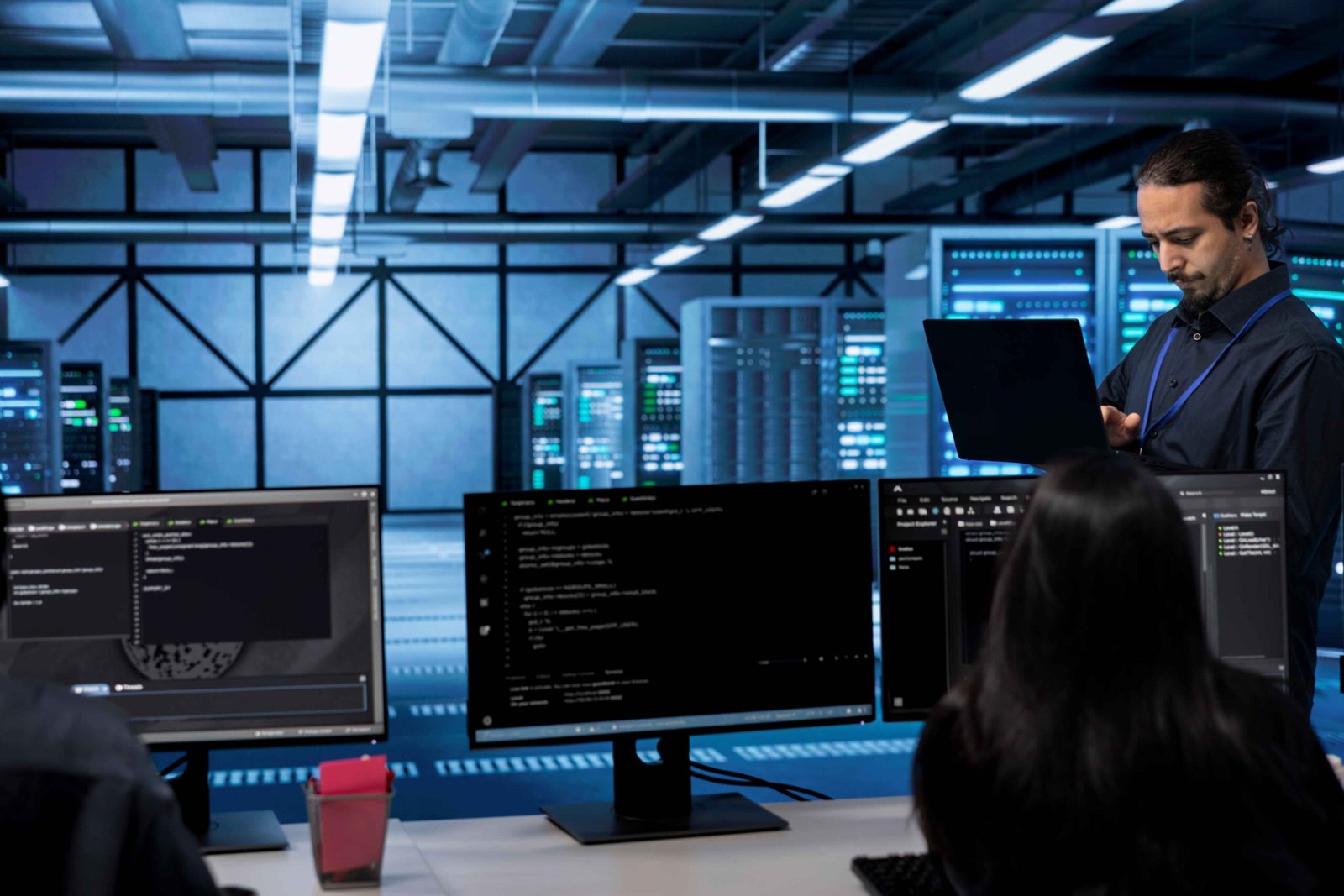
The system of monitoring directly isolates issues in the system. It allows you to track performance and identify unusual behaviour. Real-time monitoring tools notify you about new issues. This lets you fix bugs before they cause downtime. Ongoing Monitoring improves Workstation and Server Management. Keeping systems reliable is an important part of the Agile process.
Timely Software Updates
Using unsupported software can be a security risk. It can also not help the performance of the system. Menu PUA or PUP regular updates correct the issues and functionality. They also protect systems from cyber threats. It is a simple yet powerful practice to keep your software up-to-date. This keeps your systems secure and working properly.
Strong Security Measures
Security is a must for all businesses. Savvy hackers know where to strike. Cyber criminals tend to check out the target before they attack. Prevent threats against sensitive information with firewalls, encryption, secure access control, etc. By regularly conducting security audits, you can find the vulnerabilities, and by fixing them, you can reduce the possible risks and avoid downtime.
Forming Data Backup and Recovery
Planning. Any kind of data loss can be a major disruption to your operations. Regardless of the source, this could happen as a result of system failure, human error, or cyber attacks. But you can always secure your data by regularly backing up the system. Store backups in separate secure locations. Have plans for recovery that can get you back up in a few clicks, because high downtime is not where you want to be, if possible, and acceptable enough, the chunk of hours after, when all the time you’ll once again be active.
Efficient Resource Management
Resource allocation is one of the determinants of system performance. Overloaded cases slow down or even crash the systems and affect the availability of IT Consulting Services. Regularly watch resource usage and provision additional resources when necessary to maintain the smooth operation of your systems. Balancing the load between servers and workstations relieves stress on each component and extends its life.
Network Optimization
You can set the performance of your system a lot on the network. A bad connection can cause delays or interruptions. You are to maintain a consistent speed throughout the network settings structure. Keep the network stable to help the communication and data transfer process.
Workstation and Server Management
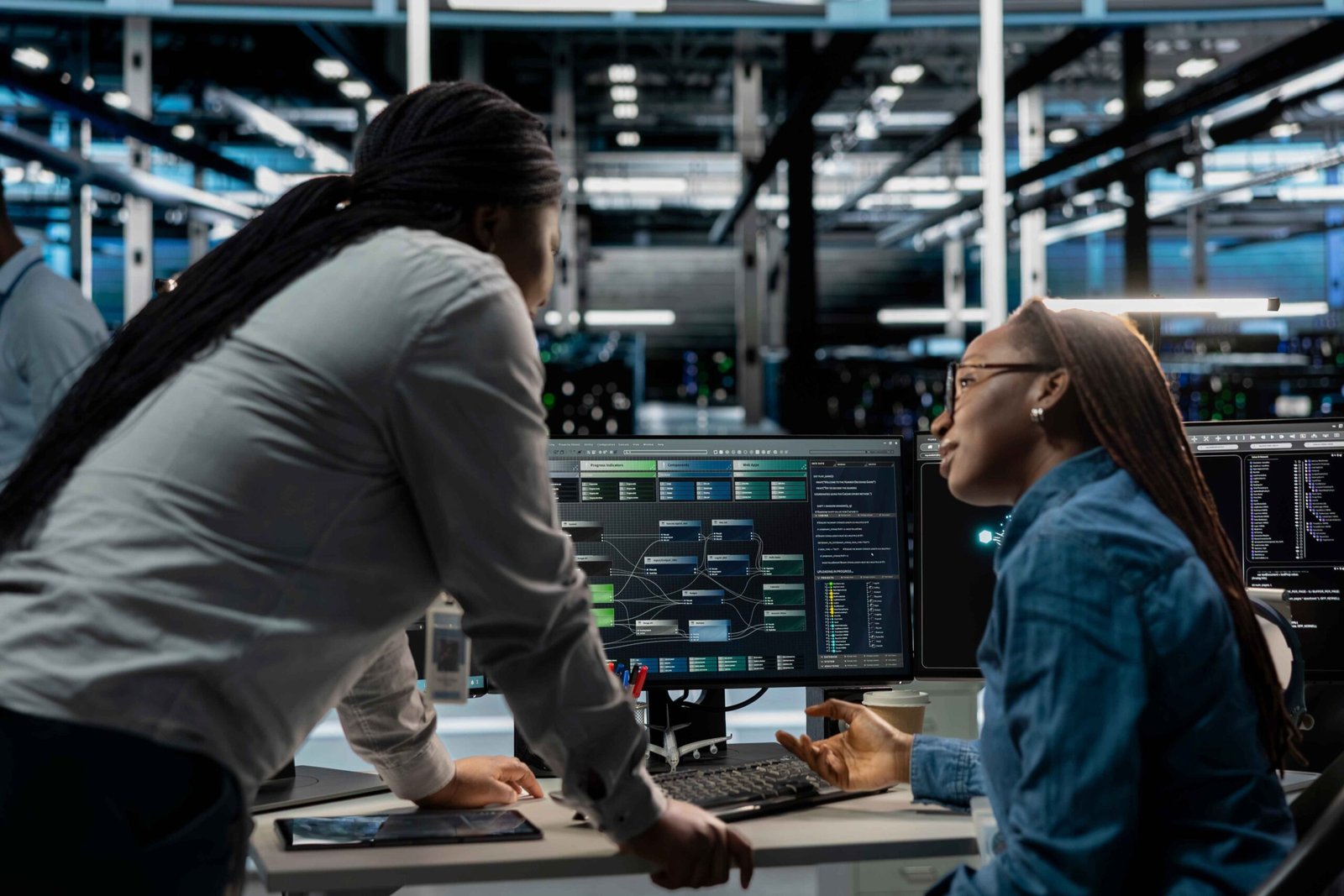
Employees are the key to operating IT systems. If the team does not have proper knowledge, it can lead to misconfigurations or information leaks. Discovery or Managed IT Solutions trains the integrity of employee knowledge. Preventive Maintenance Regular maintenance on systems helps maximise the lifespan of computer hardware. In order to avoid total failure, you can clean your hardware components and identify potential failure.
Automation Tools
Updating, backup, and monitoring are done by these automatic tools. It saves a lot of time and reduces human error. For Businesses, processes are faster and more reliable. Automation supports efficient system management.
Conclusion
This means if your system is down, productivity and revenue can be affected. At Companies, Workstation and Server Management Prevent These Problems. This results in more robust and well-performing systems. It protects data and reduces risk at the same time. As workstation and server management remains a cornerstone for businesses to thrive. But given good care, things typically run smoothly and grow in the long term.
Talk to Our Experts
Need to reduce downtime and boost your practice management system’s performance? Connect with our experts today on our LinkedIn Page!
FAQs
What is the Next Generation of Workstation and Server Management?
This needs watching and care of the systems to be operational.
How does it reduce downtime?
It allows early detection of faults and avoids system crashes.
Is data backup really necessary?
Yes, it saves important information from loss or destruction.
Are these practices good for small businesses?
Yes, all businesses need to manage the systems in order for them to work more efficiently.